 CRM
Step 1 of 3 · 2 min
Service assurance view
What you will learn
- The availability calculation
- Qualifying and excluded downtime
- At risk and breached
- Customer SLA statements
What you need
- A network operations or management sign-in
Services → SLA. Choose the last closed month or the current month to date.
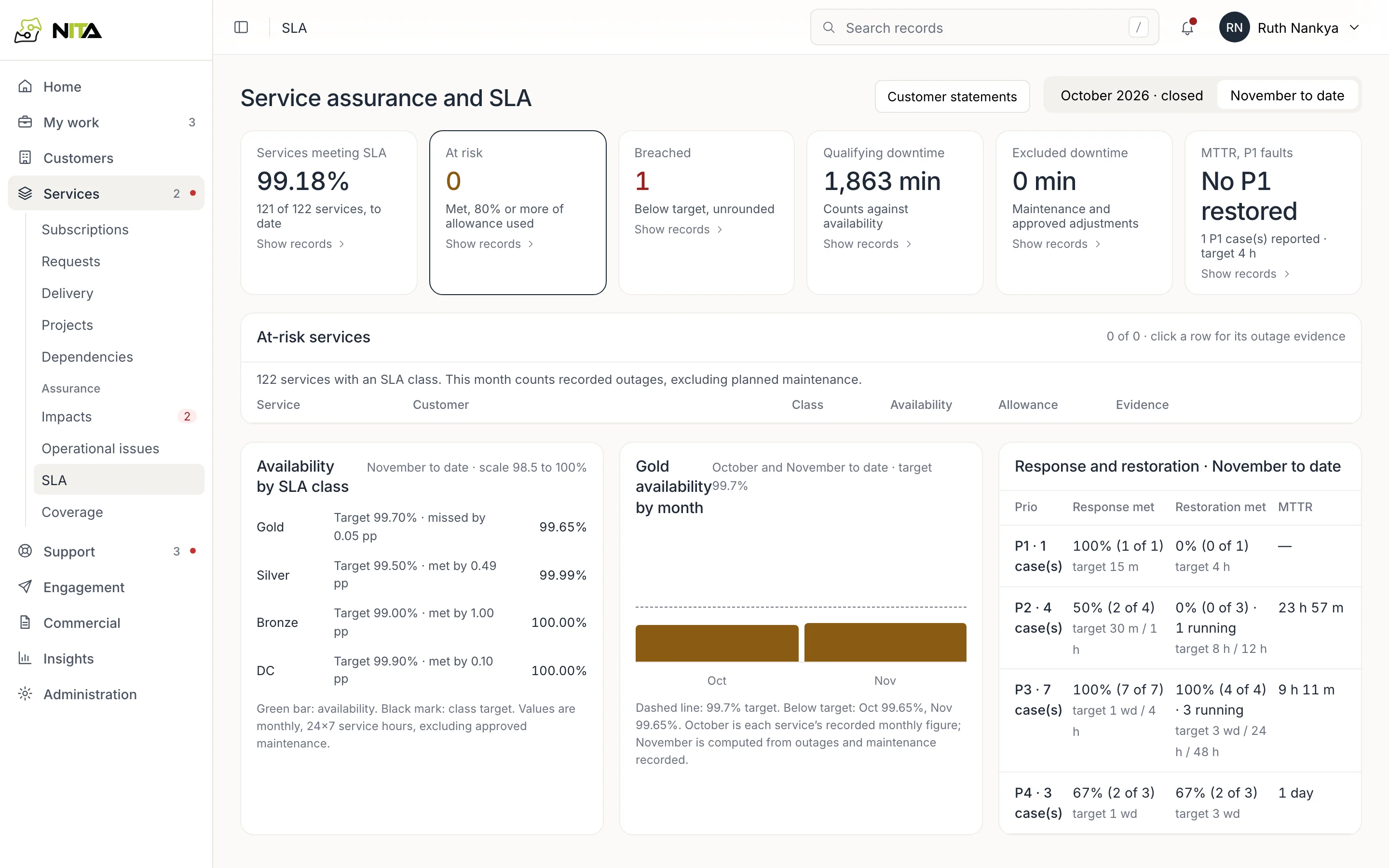
Tiles: services meeting SLA, at risk (target met with 80% or more of the downtime allowance used), breached, qualifying downtime, excluded downtime, mean time to restore P1 faults. Each tile opens its records.
Step 2 of 3 · 3 min
Calculation
Availability = (service hours − qualifying downtime) ÷ service hours.
- Service hours: 24×7 for Gold and DC; business hours with the published holiday calendar for other classes.
- Qualifying downtime: impacts linked to the service, from start to clear.
- Excluded downtime: approved maintenance and approved adjustments only.
Availability by SLA class compares each class with its target. Response and restoration shows, per priority, the share of cases that met their targets.
Step 3 of 3 · 2 min
Customer statements
Customer statements produces a statement per customer and month from recorded outages and maintenance.
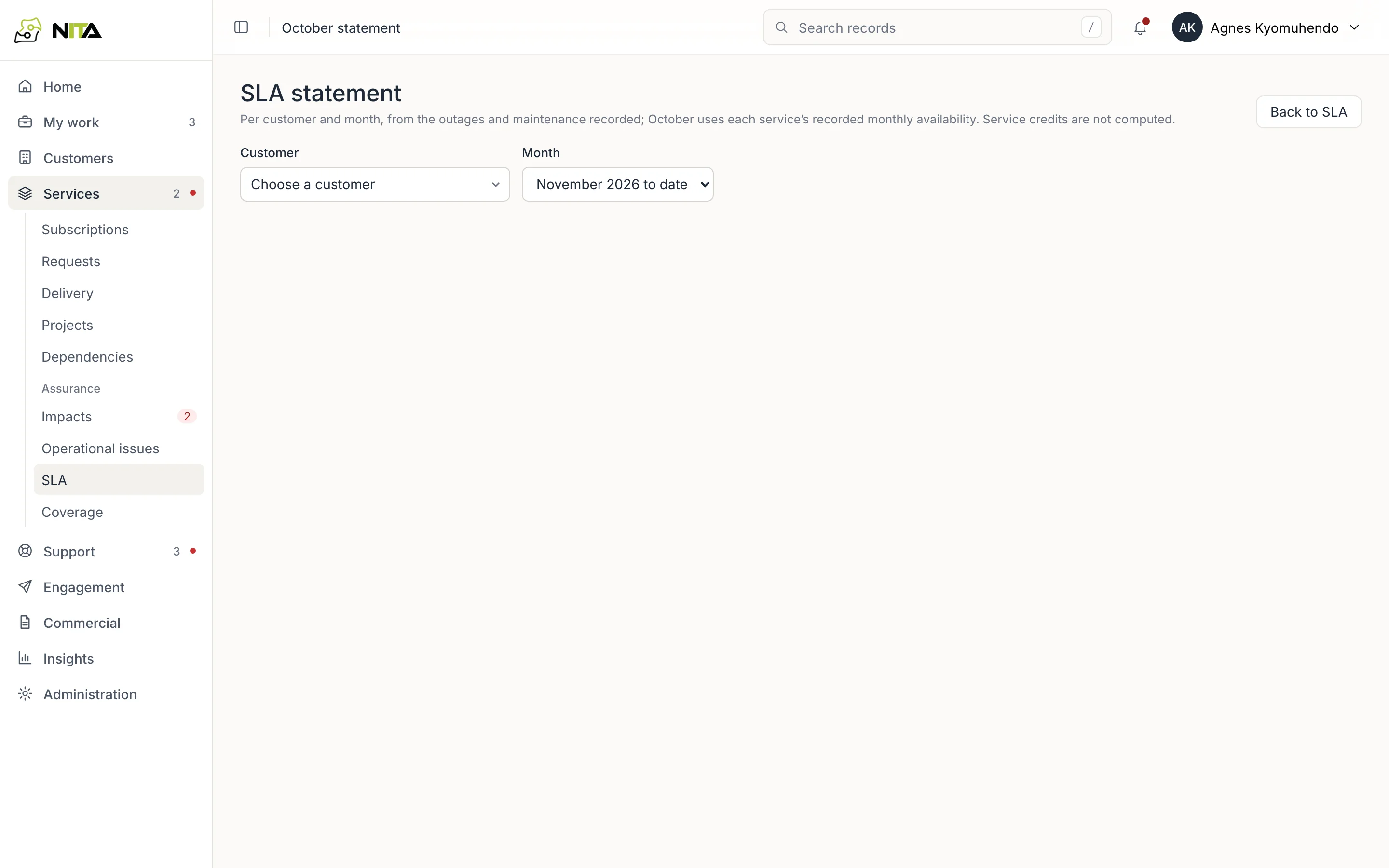
Select the customer and month. The statement lists each service with class, target, availability and the outages counted.